Add a white background to your photo
Creating a clean, professional white background for product photos is a proven way to boost e-commerce sales.
- No Credit Card
- No BS
- No watermark
Photos are processed over an encrypted connection and are never saved to our servers.
Examples
See what comes back
Real results from the tool, next to the photo that went in.
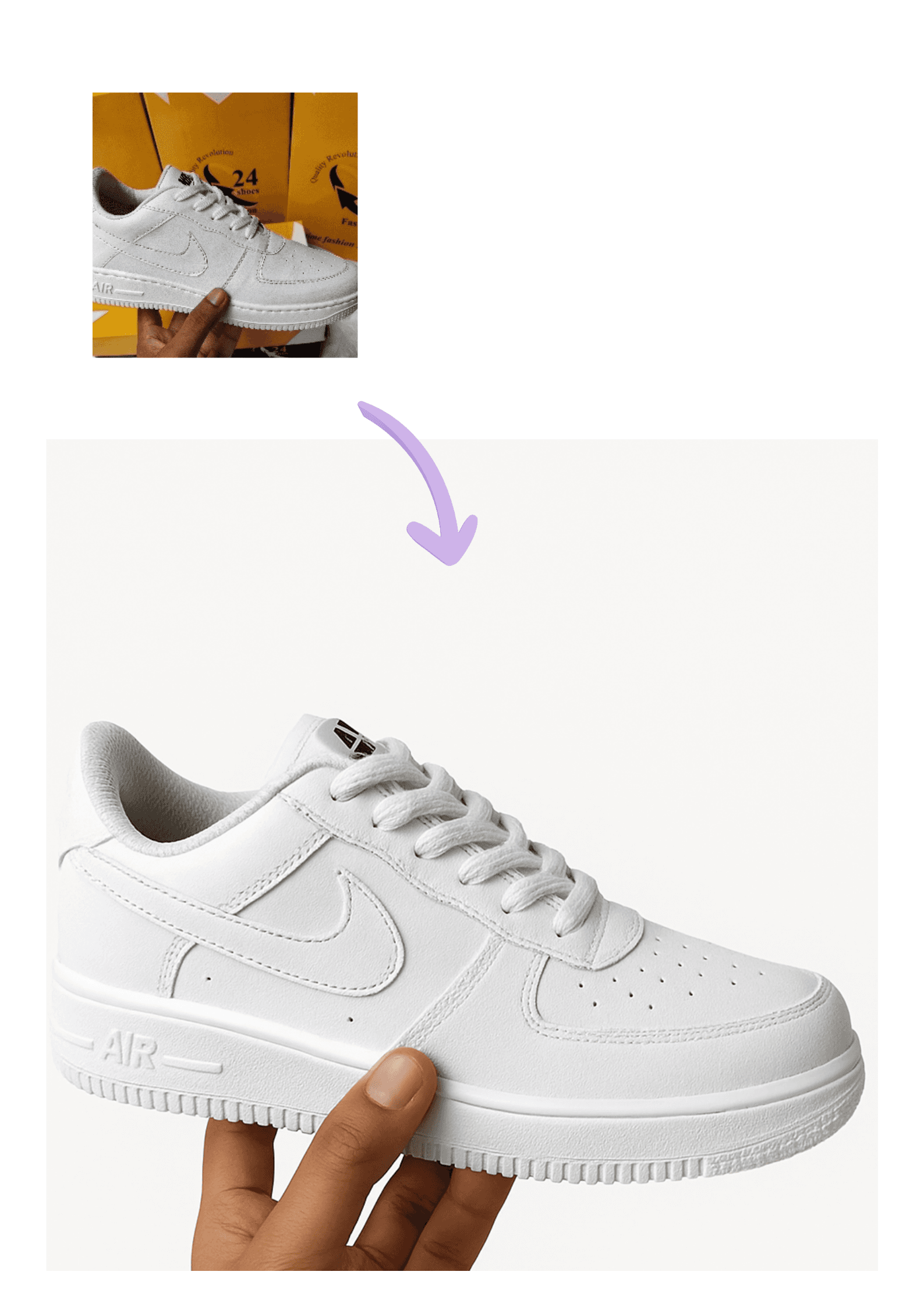
Sneakers 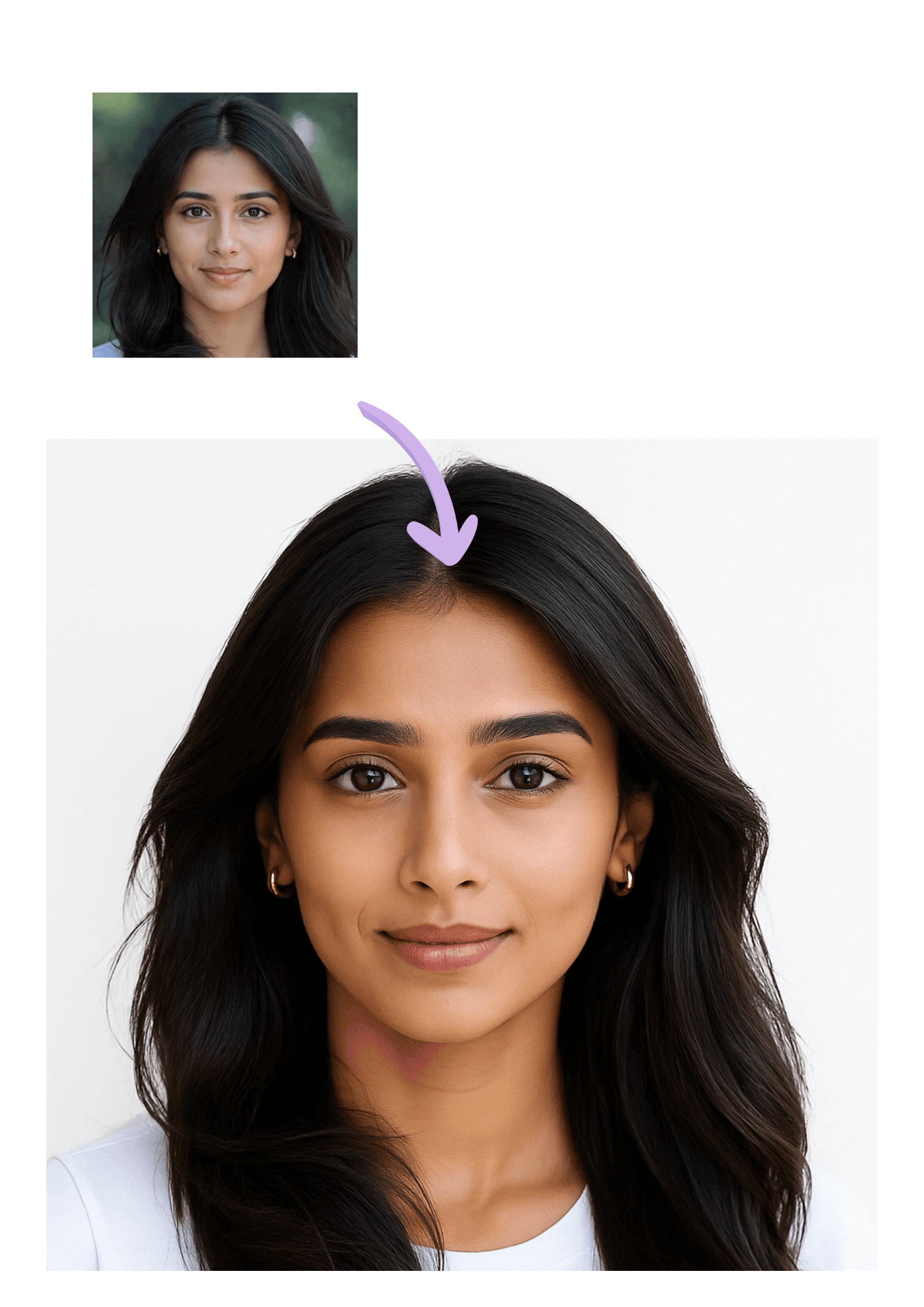
Headshot 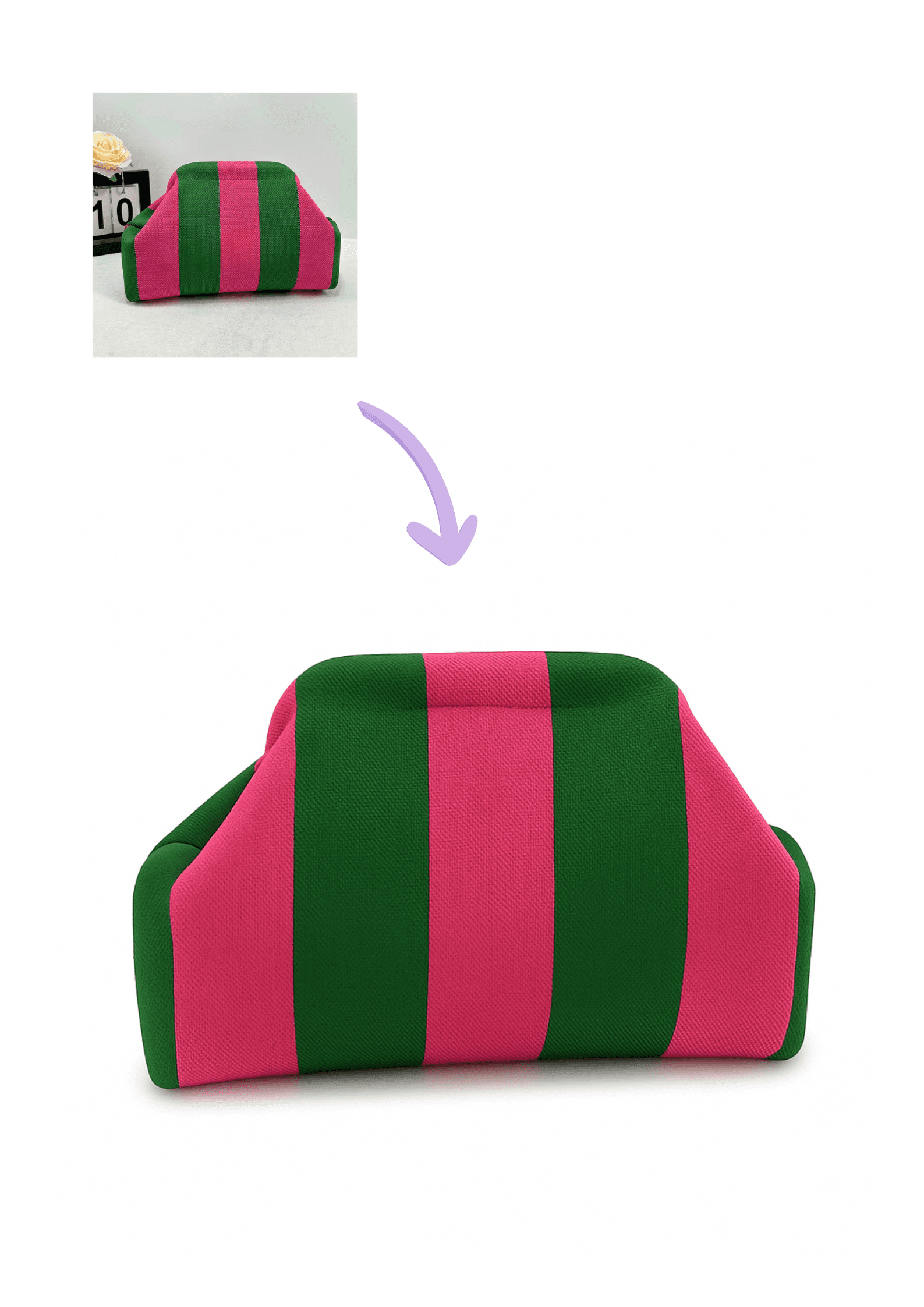
Handbag
Try it yourself
How to add a white background to a photo
Three steps, no software to install and nothing to learn.
Where people use it
One tool, a lot of jobs
Product listings
Meet Amazon, eBay, Etsy and Shopify image standards without a studio.
ID and passport photos
Get the plain, even backdrop that official photo guidelines ask for.
Profile pictures
A tidy headshot for LinkedIn, a company page or a speaker bio.
Resale and marketplace apps
Make second-hand items look cared for on Vinted, Depop or Facebook Marketplace.
Catalogues and price lists
Keep every item on the page looking consistent, whoever shot it.
Presentations and decks
Drop objects onto white slides without a mismatched background behind them.
White background